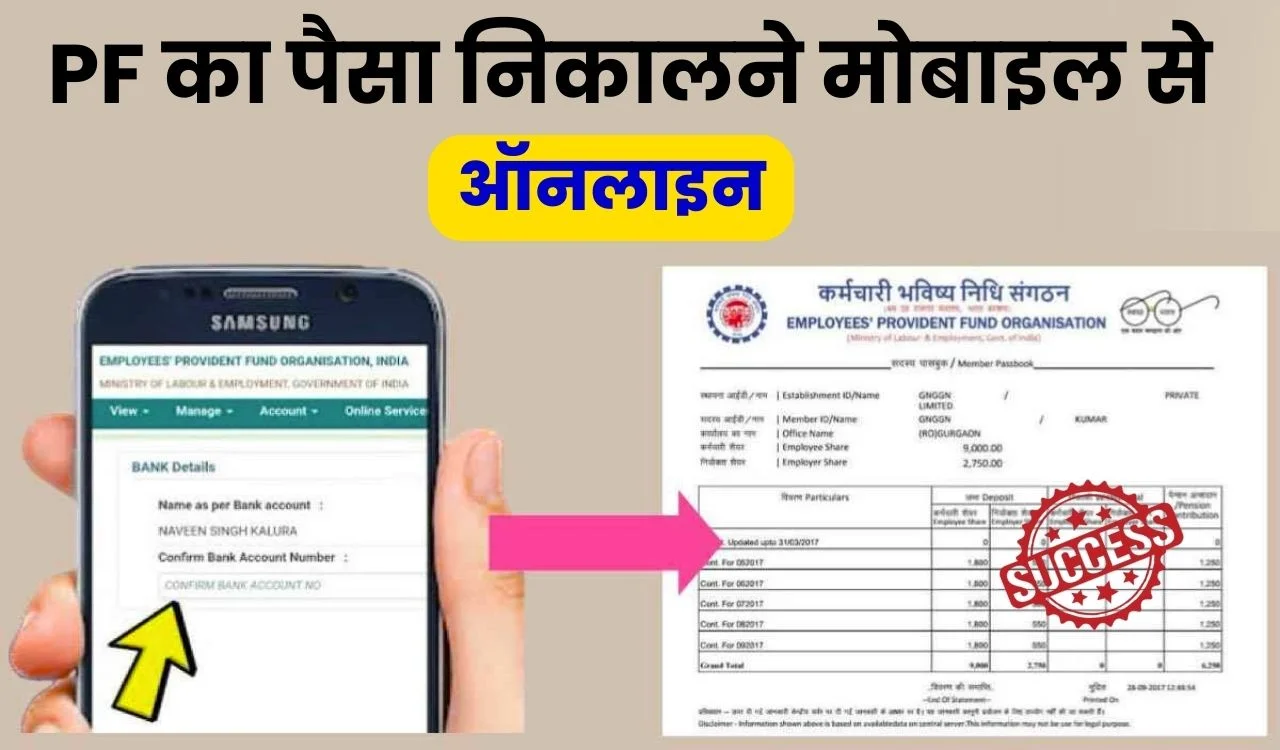
The Provident Fund (PF) is one of the most important financial savings benefits for employees. It helps build long-term savings while also offering financial support during emergencies, job changes, retirement, or specific personal needs. Today, withdrawing PF money has become much easier because employees can complete most of the process online.
If you are wondering how to withdraw PF online and want to understand the complete process from submitting the claim to receiving money in your bank account, this guide explains everything in simple steps.
What is PF (Provident Fund)?
Provident Fund is a retirement savings scheme where both employees and employers contribute a fixed amount every month. These contributions accumulate over time and earn interest.
Employees may withdraw PF money under different circumstances such as:
- Retirement
- Job resignation
- Unemployment
- Medical emergencies
- Marriage expenses
- Home purchase
- Education purposes
- Partial withdrawals under specific rules
Can PF Be Withdrawn Online?
Yes, eligible employees can withdraw PF online through the official employee portal if their account details are properly linked.
To use the online withdrawal process, the following details generally need to be updated:
- Universal Account Number (UAN)
- Aadhaar linked and verified
- PAN details updated
- Active mobile number
- Bank account linked with PF account
- KYC approved by employer
Without proper KYC verification, claim processing can be delayed.
Things Required Before PF Withdrawal
Before starting your PF withdrawal process, keep these details ready:
Important Requirements
- UAN number
- Password for employee portal
- Aadhaar linked mobile number
- Verified bank account
- PAN details (if required)
- Updated KYC information
Always verify your details carefully before submitting the claim.
Step-by-Step Process to Withdraw PF Online
Follow these steps carefully:
Step 1: Login to Employee PF Portal
Visit the employee PF portal and sign in using:
- UAN number
- Password
- Security verification code
After login, access your account dashboard.
Step 2: Verify KYC Information
Before submitting a withdrawal request:
Check:
- Aadhaar verification
- PAN verification
- Bank account details
- Mobile number status
Incomplete information may result in claim rejection.
Step 3: Open Online Services
Inside the dashboard:
Navigate to:
Online Services → Claim (Form-31, Form-19, Form-10C)
This section allows users to initiate withdrawal requests.
Step 4: Verify Bank Account
The portal may ask for:
- Last few digits of your registered bank account
Enter the information carefully and proceed.
Step 5: Select Withdrawal Type
Different forms may appear depending on eligibility:
Form 19
Used for final PF settlement.
Form 31
Used for partial withdrawal.
Form 10C
Used for pension-related claims.
Select the appropriate option.
Step 6: Submit Claim
Upload or verify required details and submit the request.
An OTP may be sent to your Aadhaar-linked mobile number for authentication.
After successful verification, the claim request is submitted.
How Long Does PF Money Take to Reach the Bank Account?
Many people ask how long PF processing takes.
Processing times may vary depending on:
- Verification status
- Employer approvals
- KYC completion
- Claim type
- Public holidays
Generally, online claims can be processed within several working days if all details are correct.
Delays may occur if documents require additional verification.
How to Check PF Claim Status
After submitting your claim, you can track its status online.
Steps:
- Login to employee portal
- Open “Online Services”
- Click “Track Claim Status”
You can monitor:
- Under process
- Approved
- Settled
- Payment sent
This helps you stay updated during processing.
Common Reasons PF Claims Get Rejected
Many PF withdrawal requests fail due to avoidable mistakes.
Common reasons include:
Incorrect Bank Details
Even small account errors can create payment issues.
Incomplete KYC
Unverified Aadhaar or PAN details can delay processing.
Name Mismatch
Different names in Aadhaar, bank account, and PF records may create issues.
Employer Verification Problems
Pending approvals can slow down the process.
Incorrect Claim Type
Selecting the wrong withdrawal form may result in rejection.
Carefully review all information before submitting.
Important PF Withdrawal Rules
Employees should remember:
- Partial withdrawal rules vary by purpose
- Full withdrawal may have eligibility conditions
- Tax rules may apply in certain situations
- Pension benefits can have separate requirements
Rules can change over time, so always review current guidelines before applying.
Tips for Faster PF Withdrawal Approval
Follow these suggestions:
- Complete KYC updates
- Link Aadhaar properly
- Verify bank account details
- Keep mobile number active
- Avoid mistakes while filling forms
- Check claim status regularly
Small details can prevent major delays.
Final Thoughts
The online PF withdrawal process has made accessing funds much easier for employees. By keeping your UAN active, updating KYC information, and submitting accurate details, you can avoid delays and complete the process smoothly.
Before submitting any request, review your information carefully and ensure all documents are verified. A properly submitted claim usually leads to faster processing and a hassle-free experience.
Disclaimer: PF withdrawal rules and processing timelines may vary according to eligibility conditions, employer verification, and applicable regulations. Always verify the latest guidelines before submitting claims.